
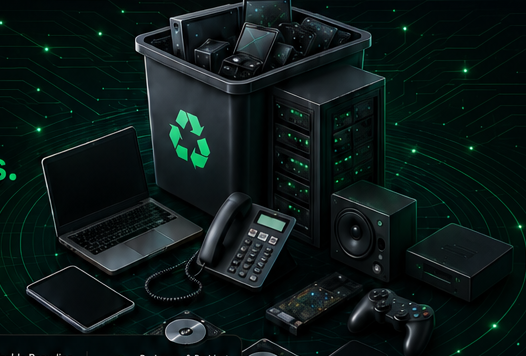
Assets to flag
Call out any device that could contain customer, employee, student, or business records.
- Hard drives, SSDs, tapes, and USB media
- Laptops, desktops, servers, and storage arrays
- Phones, tablets, and removable cards
Secure Data Destruction
Data-bearing devices deserve a separate handling conversation. Identify storage media early so wiping, destruction, documentation, and chain-of-custody expectations are clear.
Request ServiceCall out any device that could contain customer, employee, student, or business records.
Ask about the handling path that matches your internal policy before pickup or drop-off is confirmed.
Keep data-bearing equipment grouped separately and avoid uploading unnecessary confidential records.
How It Works
List data-bearing equipment in your request or inventory file.
Group drives, computers, phones, and removable media before pickup or drop-off when possible.
Assets are routed according to the confirmed data handling need.
Documentation requirements should be requested before service is scheduled.
Use the service form to identify equipment types and handling needs, not to transmit passwords, customer files, HR records, medical data, or private documents.
Request Service