Pickup / Drop-Off Prep Checklist
A quick list and blank intake form for serial numbers, data-bearing devices, pickup access, and drop-off planning.
Open guideResources
Use these guides to prepare equipment, flag data-bearing assets, download a blank inventory form, and make pickup or drop-off coordination faster for your team.
A quick list and blank intake form for serial numbers, data-bearing devices, pickup access, and drop-off planning.
Open guideWhat to expect from wiping, drive shredding, asset tagging, and certificates of destruction.
Open guideA shareable overview of accepted electronics plus items that should not be included.
Open guideAnswers for schools, businesses, and agencies that need documentation and responsible routing.
Open guideFAQ
Yes. CAL E-WASTE RECYCLE LLC supports businesses, organizations, schools, agencies, and residential customers. Free drop-offs are also available at the Canoga Park warehouse for approved accepted items during business hours.
Yes. Download the blank intake and inventory form, fill in item counts and data notes, then submit it with your service request when uploads are enabled or share the details with the team.
Yes. The service copy calls out data-bearing devices and secure handling so customers can flag special requirements.
Helpful details include item type, quantity, condition, location, serial numbers when available, and notes for drives or other data-bearing devices.
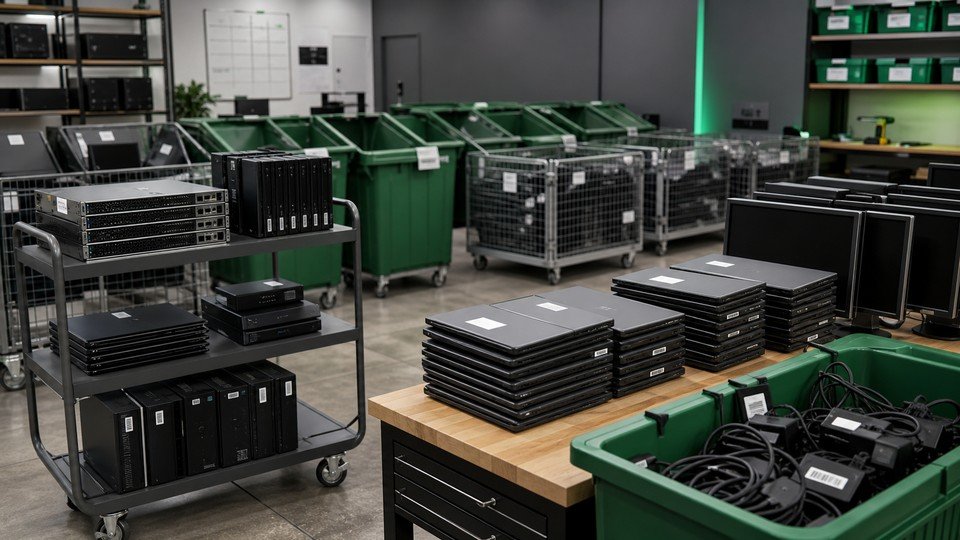
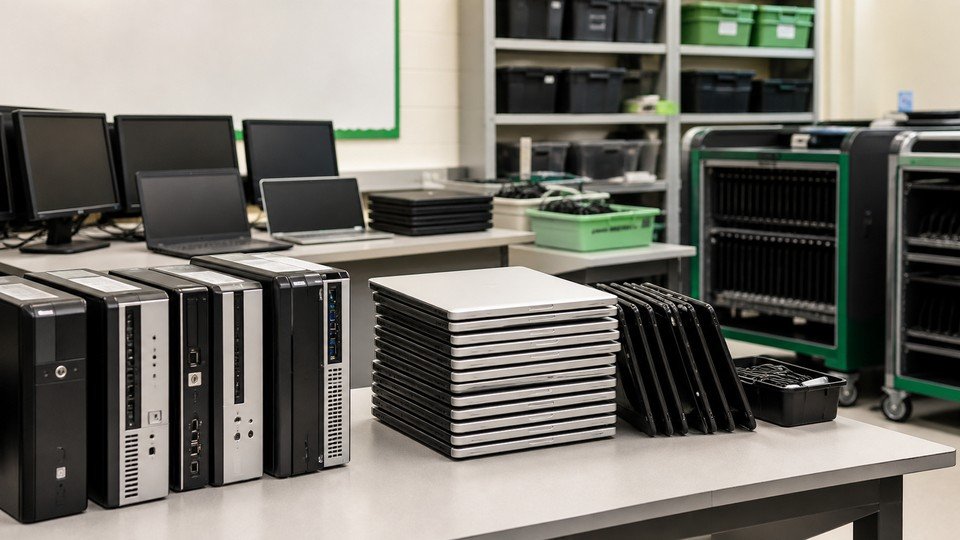
Group similar items, label equipment that requires data handling, remove unrelated personal items, and provide pickup access notes or drop-off arrival details.
E-Waste Insights
Move from crowded storage rooms and emergency cleanouts to a predictable process your team can repeat.
A step-by-step framework for gathering devices across classrooms, offices, labs, libraries, and storage rooms.
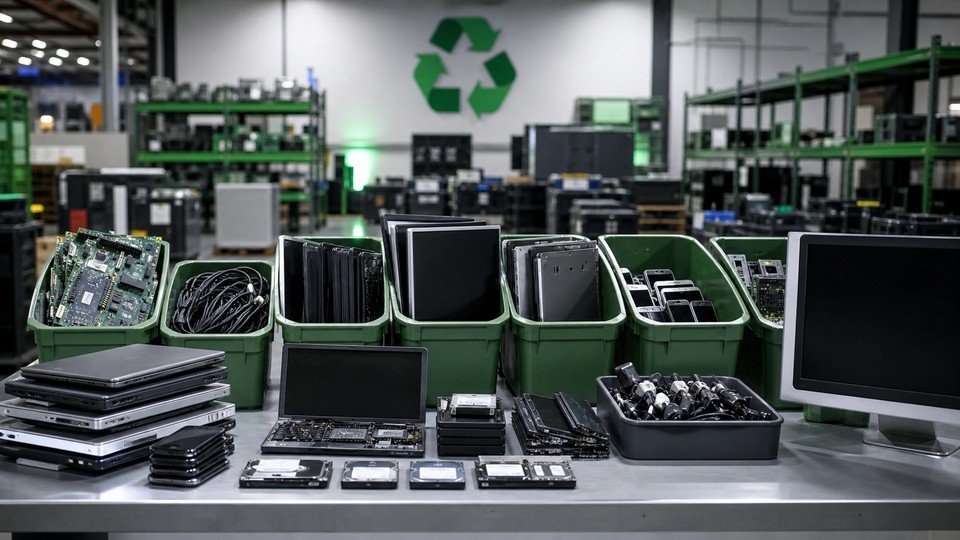
A clear look at intake, sorting, data-aware handling, reuse evaluation, and responsible material recovery.
Available during business hours for approved accepted items.
Need Help Preparing?
A rough inventory is enough to start. Include item types, quantities, service preference, location, and any data-bearing devices.